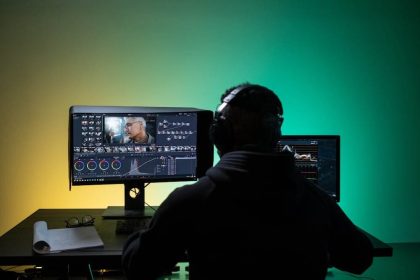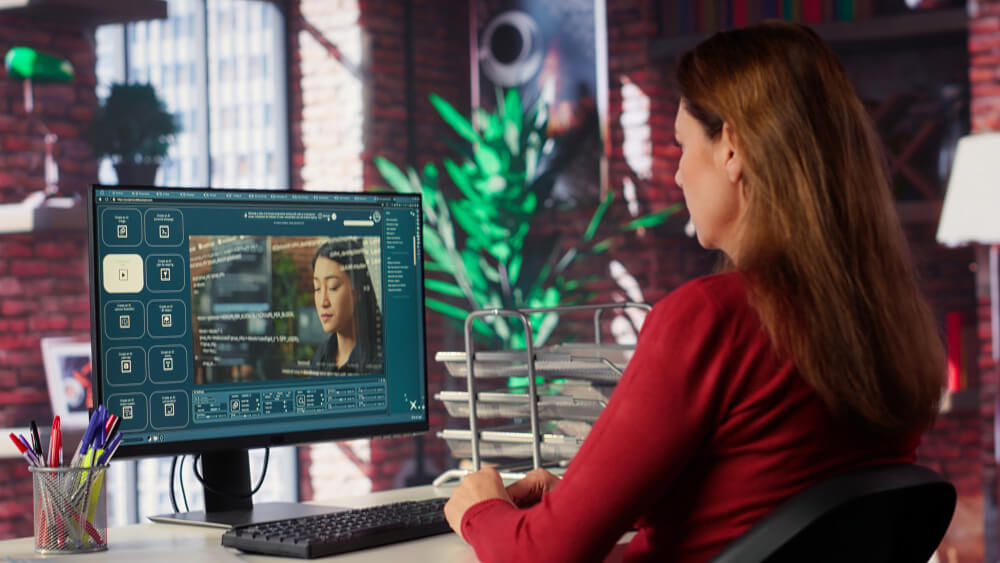

Ever wondered how brands create those captivating reels on Instagram and TikTok that you just can’t look away from? What if I told you that you could do it too, with just a dash of creativity and the right tools? Enter the powerful combo of Sora 2 footage and InVideo!
These platforms are all about transforming your video projects into amazing stories that captivate viewers. With Sora 2, OpenAI’s cutting-edge text-to-video model, and InVideo, the mighty video editing tool, creating brand reels becomes a breeze. Let’s embark on a journey to uncover the secrets of this magical union and how you can harness it to make your brand shine like never before.
Integrating Sora 2 with InVideo
So, how does one go about using Sora 2 with InVideo? The process is easier than you think! First, let’s talk about prompt-based generation. Imagine you’re an artist, and Sora 2 is your canvas. By simply including “use Sora 2” in your text prompt, InVideo’s AI agent springs into action, crafting scripts, storyboards, visuals, and edits for you. It’s like having a movie director right in your computer!
Another super cool feature is the “Agents & Models” flow. This is where the magic truly unfolds. On the prompt page, you’ll select “Agents & Models” to start your project using Sora 2. Need something even more specific? Try the Text/Image to clip plugin. This tool lets you generate individual Sora 2 clips that can later be replaced or edited as needed.
And don’t worry about format compatibility—InVideo supports vertical formats, perfect for those Instagram and TikTok reels you want to master! Let’s face it, people love scrolling through those endless, snackable videos, and you’ll want yours to stand out. Options for aspect ratios, including portrait orientation, give you the flexibility to spruce up your visuals just the way you’ve imagined!
Format and Output Options
Alright, here’s where we dive into some technical stuff, but don’t fret—I’ve got you covered. Imagine you’re at a buffet, and you get to choose your favorite dishes. That’s what it feels like with format and output options in InVideo!
Want your brand’s reel to fit perfectly on Instagram? You got it. More into TikTok’s vibe? No problem! InVideo’s got your back with supported vertical formats that are just perfect for these platforms. And let’s talk about aspect ratios; you’ve got choices between different visual styles, allowing you to unleash that creative genius within. Long story short, your vision for sleek and professional reels is totally attainable!
Advantages for Creating Brand Reels
Now, what makes using Sora 2 with InVideo so special for brand reels? Well, for starters, this combo lets you create longer videos (up to 30 minutes!) from a single prompt. That means full-length shorts, reels, or ads—your options are endless!
Think ultra-realistic visuals—like movie-level quality. We’re talking precise physics, seamless movements, and characters that pop to life in front of you. Want to add synced audio with your visuals? Dialogue, sound effects, you name it—it’s all here.
What’s even better? Could there be even more, you ask? Paid plans grant access to Sora 2 Pro, alongside other models like Veo 3.1 and Kling 3.0. This means diverse outputs, turning your brand vision from a mere thought into reality.
Suitability for Businesses and Content Creators
Now, let’s talk shop. Are you a business or content creator eager to amplify your brand story? Sora 2 integrated with InVideo might just be the superhero cape your content needs.
Imagine creating branded reels so eye-catching that your audience knows your products before spotting the logo. How about a product demo video elucidating the nitty-gritty of your latest offering, or localized ads that echo the heart of different communities? It’s a goldmine for agencies and businesses aiming to deliver polished, head-turning content.
Whether you’re launching a new product, sharing behind-the-scenes footage, or just showcasing your brand’s story, the creativity is limitless. With tools like these, you’re armed and ready to conquer the social media scene!
Limitations and Exclusivity
Okay, let’s keep it real. There are a few things you need to know about using Sora 2 on its own. Clip limits exist, typically capping at around 4-12 seconds, or up to 25 seconds for Pro users. But fear not! InVideo swoops in as the hero, extending these limits and offering exclusive features that elevate the whole experience. Edit till your heart’s content—without unnecessary interruptions!
This integration is exclusive to InVideo, meaning your creations won’t be marred by watermarks, preserving the authenticity of your brand’s story. It’s like having your cake and eating it, too!
Conclusion
Let’s wrap it all up! There’s no doubt that using Sora 2 with InVideo is a game-changer for crafting premium brand reels. We’re taking about seamless integration, mind-blowing visuals, and user-friendly interfaces that breathes life into your creative ideas. Whether you’re a business looking to stand tall or a content creator craving to leave an impression, this combo is your go-to toolkit.
Remember, the mission is clear: blend creativity, quality, and community to ensure your brand stands out—and stands tall—one dazzling step at a time. Now, with your newfound wisdom on the Sora AI video generator and InVideo, isn’t it time you got started on that jaw-dropping brand reel? Your audience awaits!